by takis76 » Wed Feb 13, 2013 1:47 am
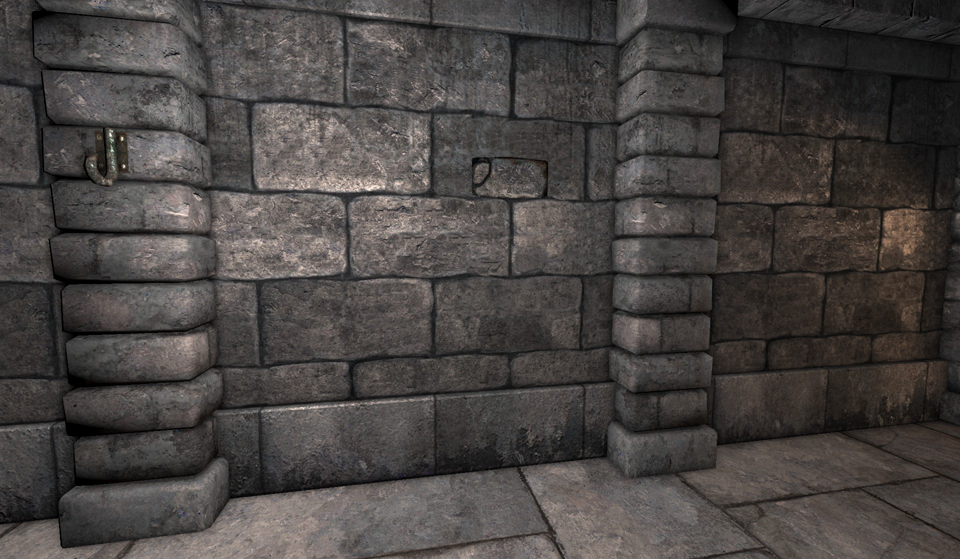
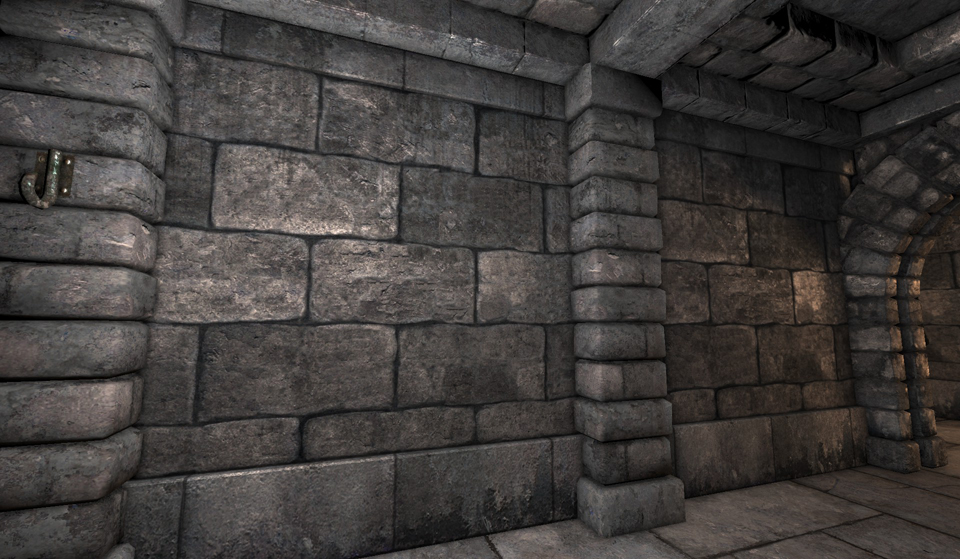
I don't have yet use blender for creating new wallsets, but as you say when you are deleting these stones, suddenly the buttons disappear and you cant bring them back.
Might the button models are merged with these stones in the same layer.
Try do not delete those stone models, but try to change the surface of the stones and make them flat. If you just delete the stones, might the stones and the buttons are stored in the same model, or in the same layer. Trying to delete the vertices of the stone and merge the missing normals (According to 3D Studio) you can fill the holes of the missing surfaces.
Normals are surfaces around a group of vertices. (Normals also are group of triangles of planes and create some surface).
As I understand deleting those stones delete and buttons. But why the button models be in the same file as the wall models? (I don't have made vast research about new wallset making and I see in all wallsets here these stones exists. So might there is a model problem with these and the modeler need to make an extensive model editing to these models.
Another idea:
Try to copy whole model file with a new file with different filename. Just delete the stones and for buttons use the old file and for the new model without stones (which the buttons will missing and create a new object) this is a quick solution.
About secret buttons you need a complete new 3D object to fit your new secret buttons to your new wallset. I don't know if this help but you can use some trick.
Edit:
As I see the secret buttons are on these stones. So you can delete all of these stones and created another one new object with different name and create new buttons on this. Another idea is to use a neat wall model and as new object and create new secret buttons with new texture, also this will fix your problem too.
If I was making my own wallset, I will use this technique.